The Logistics Network lets you link your factories and docks into a single network that automatically transfers wares between them.
Getting Started
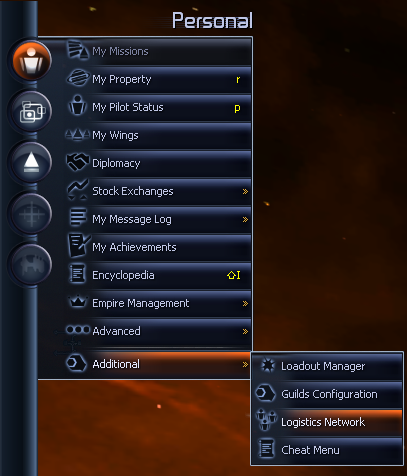
You can open the menu via your sidebar, found in Personal > Additional.
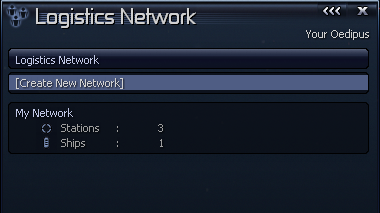
The first menu allows you to select which network to view/edit, and allows you to create new networks.
Creating Network
To create a new network, select the option [Create New Network].
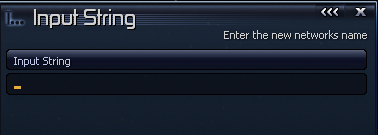
Enter a new for your network. The network will then appear on your main networks list.
Here you can edit or delete the network.
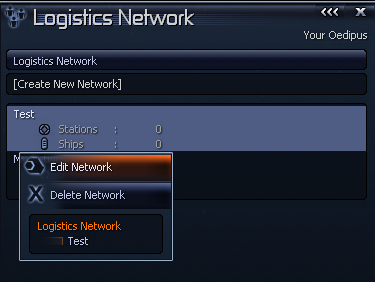
Managing Network
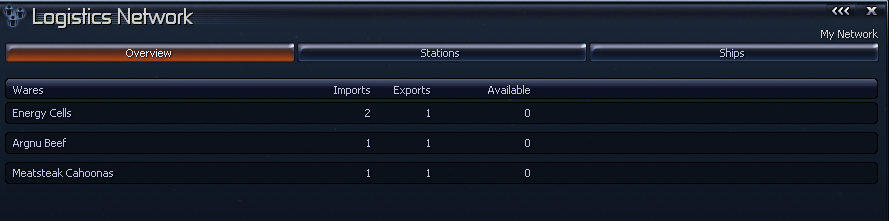
The first tab, will display an overview of your network, this includes all the wares currently being managed by the network.
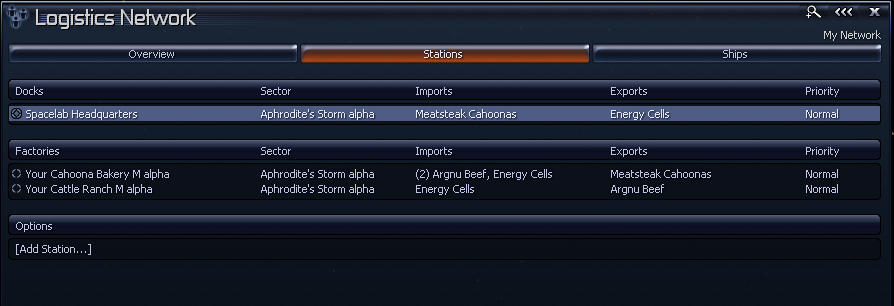
The stations tab will display all the stations currently in your network.
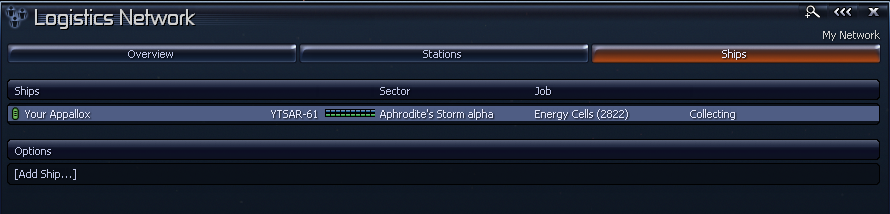
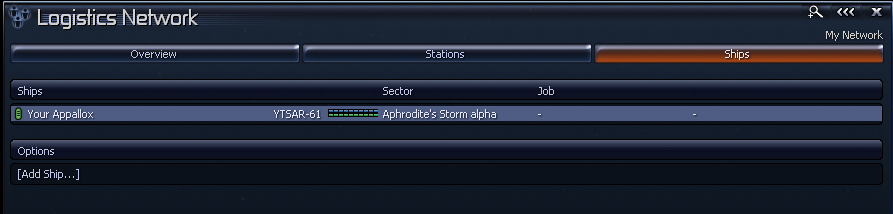
The ships tab will display all the ships that are currently in your network, this also displays what job they are currently one.
Managing Stations
At the bottom of the stations tab, you can find [Add Station], which allows you to add new stations to your network. This will display any of your available stations (not including the ones already in your network).
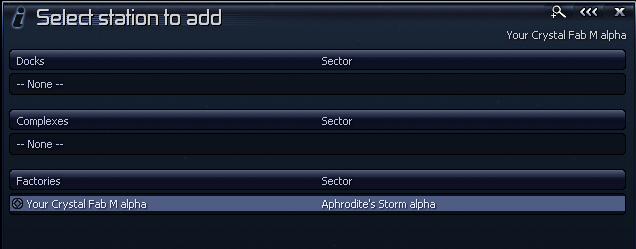
When adding a factory/complex, it will automatically add all the wares to be controlled, if you add a dock, you will have to add them manually.
Select the station to make changed.
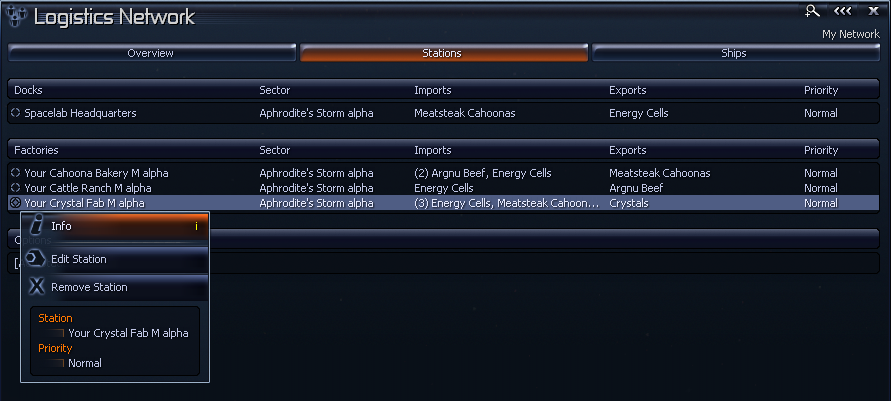
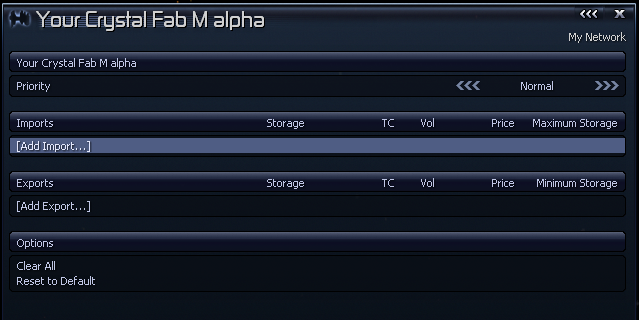
Here you can Edit or remove the station from the network.
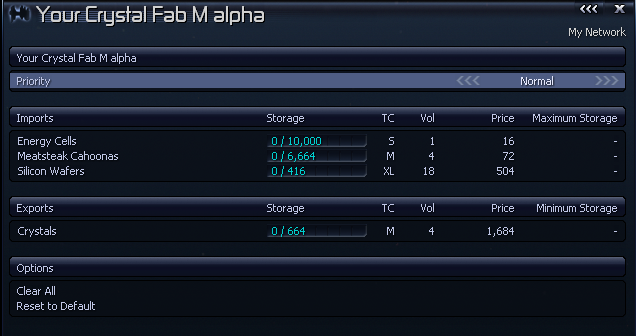
The Priority changes the priority of your station within the network. When ships start moving wares, they will pick the higher priority stations first.
The Imports are the wares your station will bring in, for factories these will be your resources.
The Exports are your stations products that you export to your network.
Maximum Storage allows you to limit the amount of wares to import into the network, if not set, it will use the stations maximum capacity.
Minimum Storage allows you to keep some wares in the station, these wares will not be exported to the network.
Clear All will remove all the wares.
Reset to Default will add all the stations wares to imports/exports. Products are added to Exports and Resources are added to Imports.
Managing Ships
In the Ships tab you can add ships to your network, the ships are used to move wares between the stations.
You can only add ships to 1 network.
Select [Add Ship] to add any ships to your network, only viable ships will be displayed.

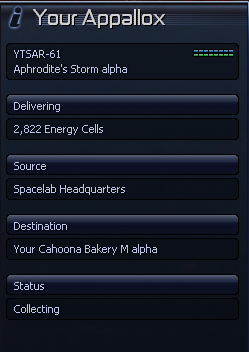
The ship will be given delivery jobs automatically. The sidebar on the highlighted ship will display more info about their job.